Cybersecurity Awareness Month
Cybersecurity Awareness Month
See Yourself in Cyber
Cybersecurity Awareness Month is in its 20th year and co-led by the National Cybersecurity Alliance and the Cybersecurity and Infrastructure Agency (CISA). Its purpose has been to raise awareness about online security best practices so everyone can be empowered to protect themselves against cybercrime. Everyone can play a big role in cybersecurity just by learning and applying basic online security best practices.
October 2023 Cybersecurity Awareness Month Focus
During this year’s cybersecurity awareness month, the focus will be on four key online security practices that can be applied to keep yourself protected which are,
Familiarize yourself with each of these practices and apply them to enhance your level of protection online.
Own - Secure - Protect IT: The Basic Steps to Online Safety and Security
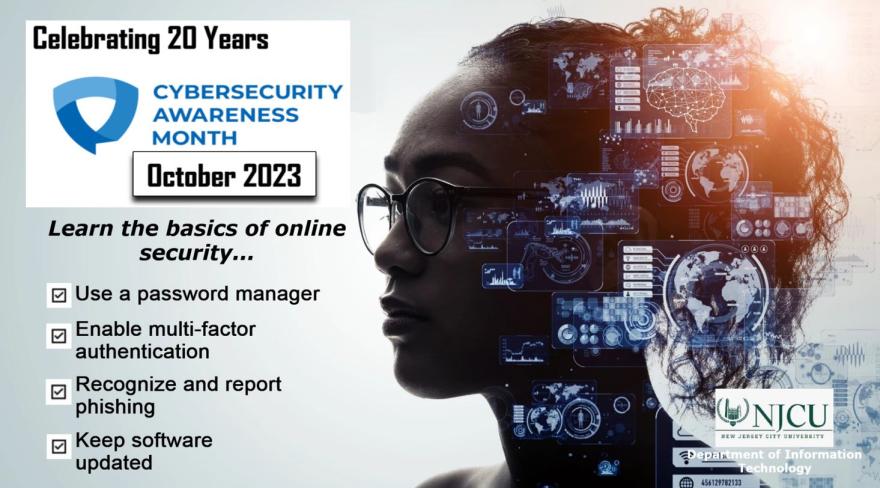
Whether you are online banking, shopping, social networking, or downloading the latest app, practicing good cybersecurity in today’s interconnected world is critical. Everyone must learn to stay safe and more secure in their ever-expanding digital lives. Therefore, in support of cybersecurity month, we would like to offer a few quick tips to help you stay safe online.
- Keep security software current: Having the latest security software, web browser and operating system is the best defense against viruses, malware and other online threats.
- Automate software updates: Many software programs will automatically connect and update to defend against known risks. Turn on automatic updates if that’s an available option.
- Protect all devices that connect to the Internet: Along with computers, smartphones, gaming systems and other web-enabled devices also need protection from viruses and malware.
- Plug & scan: USBs and other external devices can be infected by viruses and malware. Use your security software to scan them.
- Make your password a sentence: A strong password is a sentence that is at least 12 characters long. Focus on positive sentences or phrases that you like to think about and are easy to remember (for example, “I love country music.”). On many sites, you can even use spaces!
Be mindful of what you do online. Keep yourself safe and apply these practices to your daily online activities to help protect yourself against cybercrime.
Cybersecurity Tips to Secure Your Devices
- Double your login protection: Enable multi-factor authentication (MFA) for all accounts and devices to ensure that the only person who has access to your account is you. Use it for email, banking, social media, and any other service that requires logging in.
- Shake up your password protocol: Use password managers to generate and remember different, complex passwords for each of your accounts.
- Keep tabs on your apps: Apps on your mobile device could be g gathering your personal information without your knowledge while also putting your identity and privacy at risk. Check your app permissions and use the “rule of least privilege” to delete what you don’t need or no longer use.
Following these tips minimizes the risks of your devices getting compromised. It helps our communities to stay better protected against cyber threats as well.
Things you can do to protect your information
Enroll to use DUO Two-Factor Authentication
Duo provides an extra layer of security and validation for your GothicNet account.
If you have any questions or encounter any issues, please submit this form or email us at njcu2FA@njcu.edu.
To learn more about Duo, please visit this page.
Cybersecurity Awareness Training
NJCU shall provide a required Cybersecurity Awareness Training to staff members. The University has partnered with KnowB4, a leading Cybersecurity Awareness Training organization.
Staff members are encouraged to take the training once assigned. The training enables individuals to develop the essential skills needed to recognize and remain protected against cybersecurity threats.
NCSAM Campaign Sponsors
- Department of Homeland Security (DHS)
- National Cyber Security Alliance (NCSA --Also known as StaySafeOnline.org)
- Multi-State Information Sharing and Analysis Center (MS-ISAC)
Every employee has a role to play in cybersecurity and a responsibility for creating a culture that can help everyone protect themselves against cybercrime. For more information, visit National Cyber Security Alliance website.